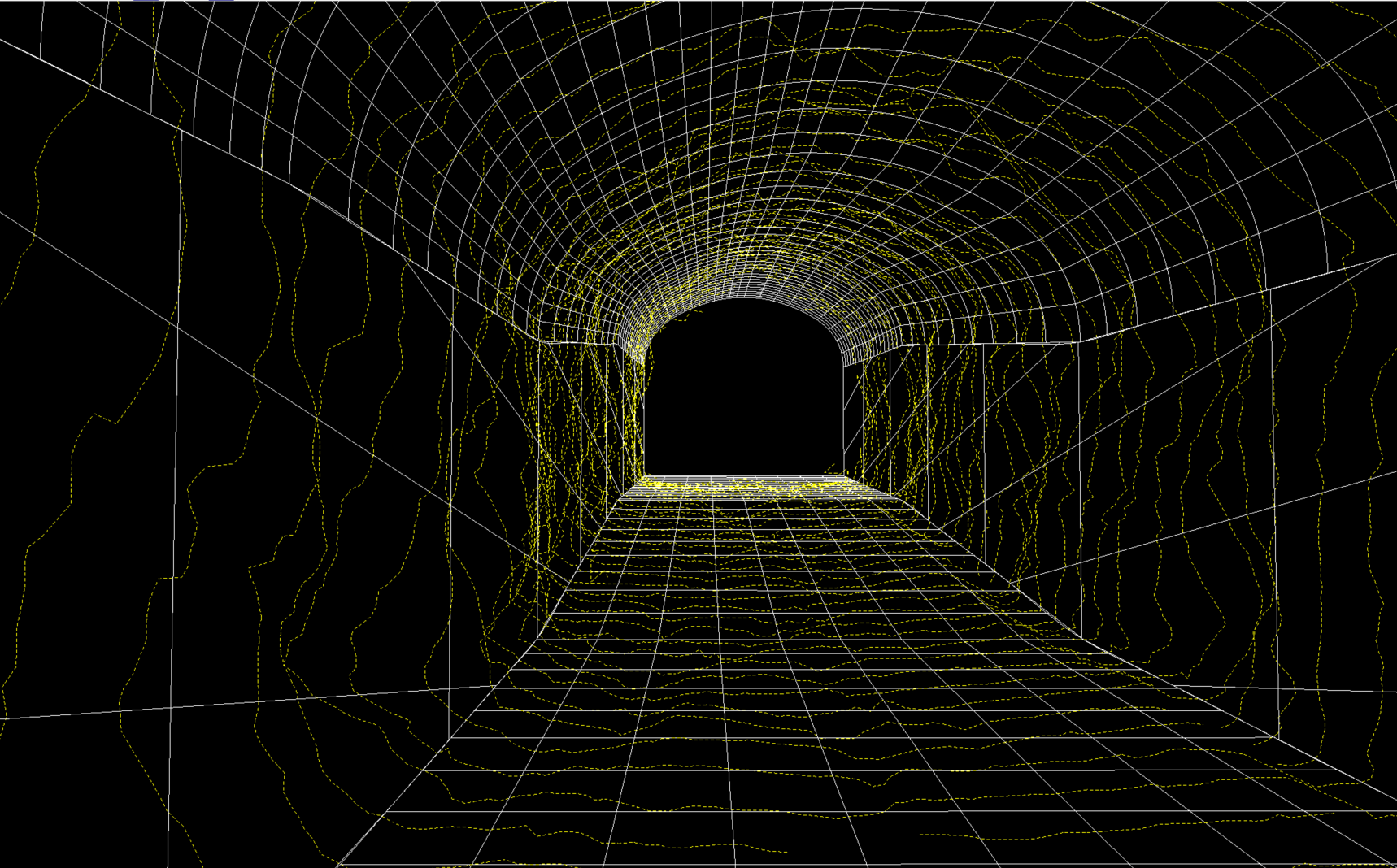
In tunnel excavation, it is important to verify that the as-built tunnel matches the design. With laser scanning, the as-built tunnel can be compared to the designed one fast and reliably to check whether the tunnel has been over-excavated (overbreak) or under-excavated (underbreak).
TerraScan uses the surface of a CAD element to calculate the distance from each laser point to the element. This is done with TerraScan Compute Distance tool. MicroStation supports a wide variety of surface types, while in the Spatix version the comparison can be made against planar surfaces. Depending on the direction of the distance, points can be classified as overbreak or underbreak. The distance information can also be used to color the point cloud.
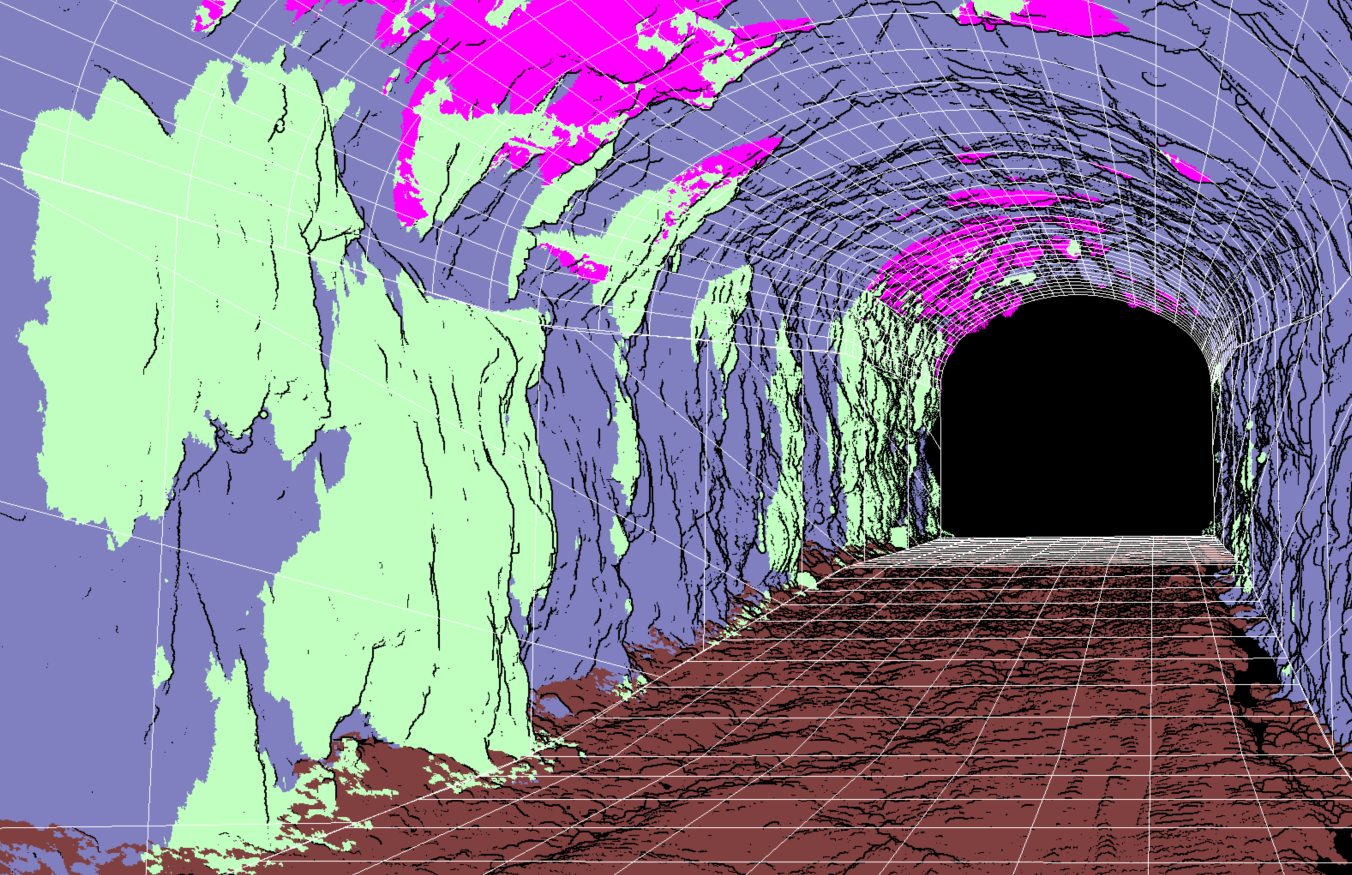
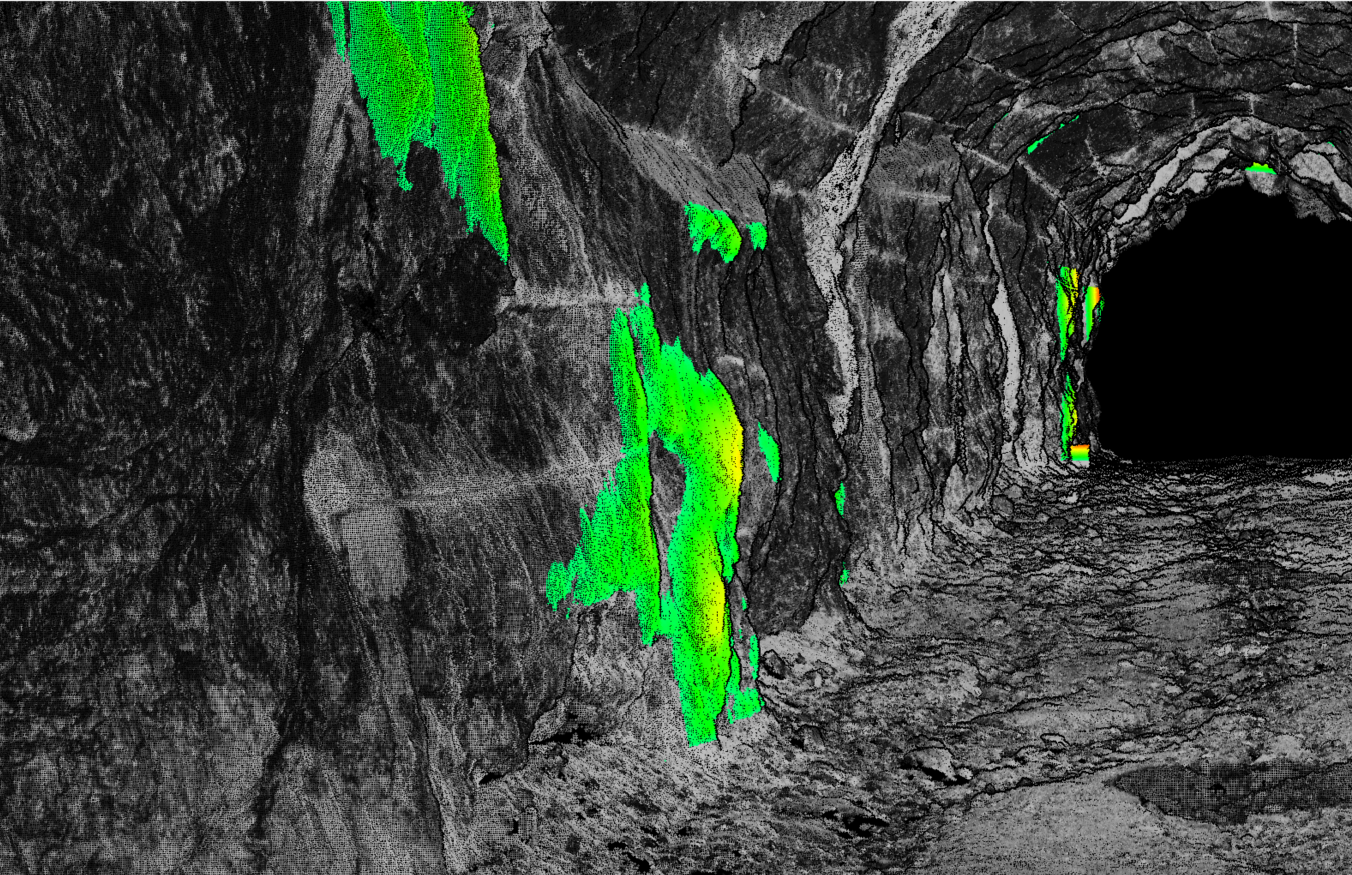
The processing can be continued by vectorizing tunnel sections with the Vectorize Tunnel Section tool, using a vector element that follows the tunnel alignment. This allows the tunnel cross-sections to be inspected for overbreaks and underbreaks. After vectorisation, individual cross-sections can be examined with the Check tunnel section tool. Tunnel volume is possible to calculate with TerraMatch tool Compute Tunnel Volume. Finally, the cross-section vectors can be compared to the original tunnel design and analyzed in the CAD software of your choice.