


TerraSplat
Gaussian Splat Visualization
3D Gaussian Splatting (3DGS) revolutionizes the visualization and analysis of real-world environments by enabling photorealistic and real-time 3D representations. Unlike traditional photogrammetric point clouds that render discrete points, 3DGS represents each sample as a semi-transparent colored 3D ellipsoid, producing smoother and more continuous visualizations.
Compared to mesh models, Gaussian Splats can represent delicate or complex objects such as fences, foliage, and other semi-transparent or finely detailed structures. They also capture reflections and transparency, accurately depicting materials like glass and water for a more realistic rendering.
Thanks to GPU acceleration, tens of millions of Gaussian Splats can be rendered in real time, delivering high performance and interactive visualization.
TerraSplat brings advanced Gaussian Splat visualization directly into Bentley and Spatix CAD environments, integrating seamlessly with your existing workflow.
TerraSplat reads .ply files containing Gaussian Splats and displays them in their correct spatial projection.

TerraScan
+
TerraSplat
When used together, TerraScan and TerraSplat revolutionize the use of Gaussian Splats by combining them with LiDAR point clouds. This enables the use of splats for truly accurate modeling and class-based visualization.

TerraStereo
TerraStereo is a stand-along application for visualizing very large point clouds. It uses high-performance graphics boards for rendering huge amounts of points fast and in high quality.
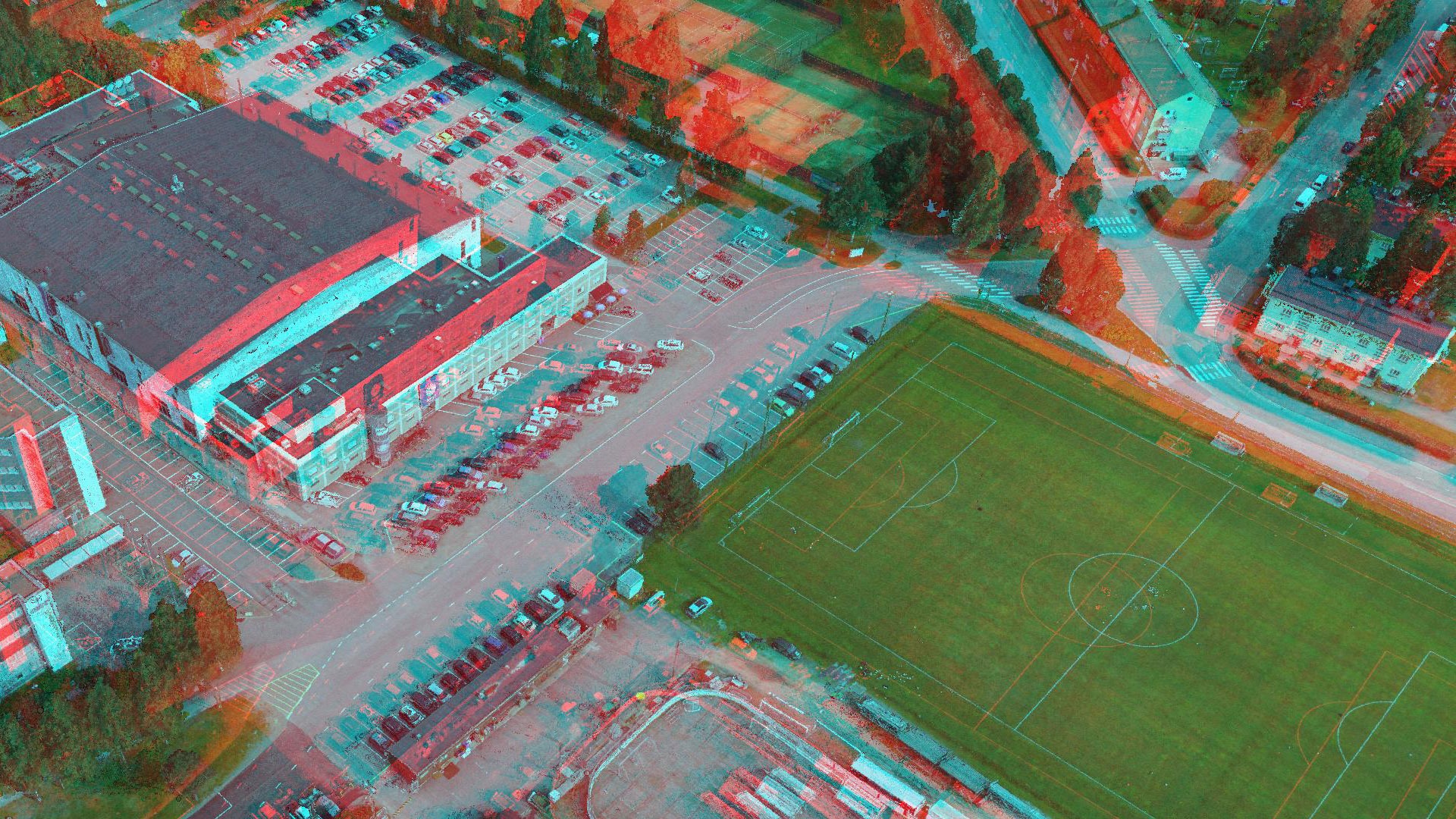
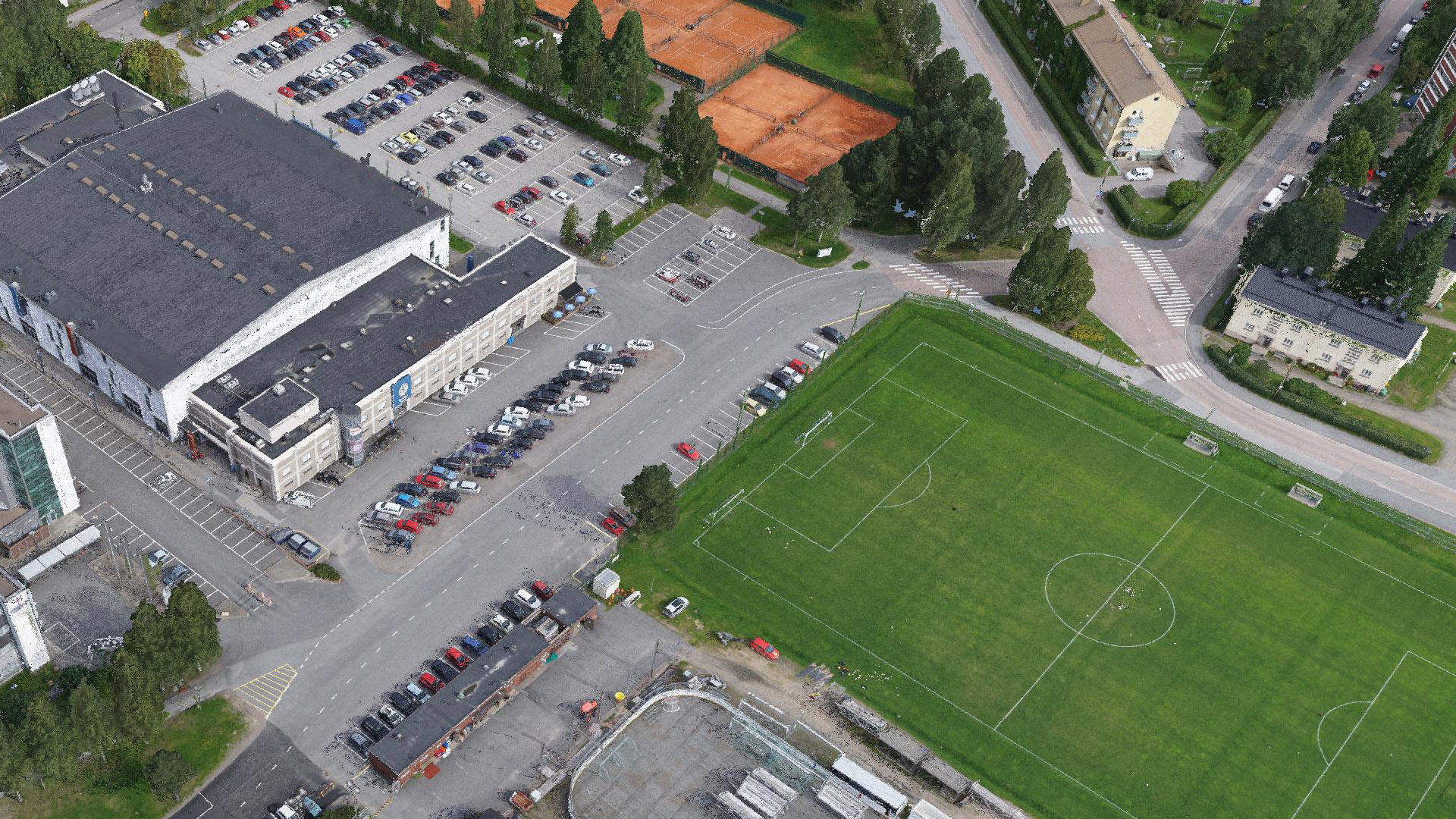
Interactive group selecting and editing tool of TerraStereo. Cleaning the reflection artifacts from terrestrial LiDAR data. View full webinar from here.
The software enables you to:
- Visualize up to 50 billion points that are organized in a TerraScan project
- Perform visual analysis and quality check in both, small- and large-scale displays
- Navigate through the point cloud freely or based on TerraScan trajectory files
- Create animations
- View laser data in stereo mode and create stereo screen captures
- Combine different visualization channels to improve the perceptibility of objects in the point cloud
- Switch point classes on/off
- Apply elevation exaggeration to the point cloud for specific analysis tasks
- Measure distances within the point cloud
- Digitize line vector elements and export them to TerraSurvey
-
- elevation, intensity and class coloring
- color by RGB values
- shaded surface display
- point density coloring
- TerraZ rendering method for masking foreground objects
- different quality levels for point rendering

Applications
Urban planning | Architectural and historical site viewing and documentation | Asset visualization | Virtual reality | Marketing | Digital Twin Visualization | Fly-through animations | etc.
Hardware requirements and recommendations
There are some specific hardware requirements and recommendations in order to run TerraStereo in a proper way:
- minimum of 4 real processor cores, more than 4 are recommended
- > 16 GB of RAM
- > 8 GB of GPU memory recommended
- display device that supports quad-buffered stereo display (for stereo viewing)
- stereo display or projector using DisplayPort or Dual-DVI connection (not HDMI)
- (optionally) active or passive stereo glasses
TerraStereo for CAD requires a two-screen passive stereo system with a side monitor (no switching glasses possible).
Display hardware recommendations
GPU board used with TerraStereo must be NVIDIA® CUDA™ Compute Capability 5.2 or higher. In two GPU systems the primary (OpenGL) GPU can be older, if the other designated CUDA™ board meets the specs.
- Low-cost solution (low performance, mono display only):
one high-end GeForce® board + standard monitor - Basic solution (good performance):
one high-end Quadro® board for example RTX5000 or more powerful one - Recommended solution (best stereo quality and performance):
PluraView 4k StereoDisplay + TerraStereo workstation (http://www.3d-pluraview.com/en/)
Graphics Boards (SLI is not supported)
GPU |
Open GL Stereo |
TerraStereo for CAD 3 (Passsive dual screen stereo system + side monitor) |
|
nVidia Quadro [P/RTX/RTX A] 8000/6000/5000/4000 – or newer |
Yes |
Yes |
|
nVidia workstation Geforce series – only the high-end boards will do here due to the minimum memory recommended |
May be possible if a Open GL stereo capable AMD Radeon Pro board is also present in the system – otherwise no. |
Yes |
| Workstation GPU | Memory |
| Quadro® P6000 | 24 GB |
| Quadro® P5000 | 16 GB |
| Laptop GPU | Memory |
| Quadro® P5000 | 16 GB |
| Quadro® P4000 | 8 GB |
NVIDIA, CUDA, GeForce, and Quadro are trademarks and/or registered trademarks of NVIDIA Corporation in the U.S. and other countries. PluraView is a trademark of Schneider Digital. Other company and product names may be trademarks of the respective companies with which they are associated.
Purchase
Purchase our products here. We have three different purchasing options for perpetual, subscription and academic licenses. Contact us for more information about different purchasing options.
Download
Download the software of your choice from our Software Download center. A license is needed for all of our software. You can familiarize with our pricing options in the Pricing section.
Technical description
You can read more about the specifications and technical description for each Terrasolid product here if you want to have a more comprehensive understanding of our individual products.