TerraScan User Guide
Vectorize Wires toolbox
The tools in the Vectorize Wires toolbox are used to place a powerline centerline, detect wires automatically, manually place wire strings, validate wire attachment points and to assign attributes to wires.

TO |
USE TOOL |
|
|---|---|---|
Detect continuous wires in the point cloud data |
|
Find Powerline Wires Not Lite |
Join wires without a tower between the wires |
|
Merge Wires Not Lite |
Join wires with a tower between the wires |
|
Connect Wires Not Lite |
Place a line string from tower to tower |
|
Place Tower String Not Lite |
Activate a powerline for viewing and modification |
|
Activate Powerline Not Lite |
Detect wires along active powerline |
|
Detect Wires Not Lite |
Digitize a wire line string |
|
Place Wire String Not Lite |
Check wire attachment points at tower locations |
|
Check Wire Attachments Not Lite |
Assign number and description to wire |
|
Assign Wire Attributes Not Lite |


Which tool Merge Wires or Connect Wires should you use in this situation?
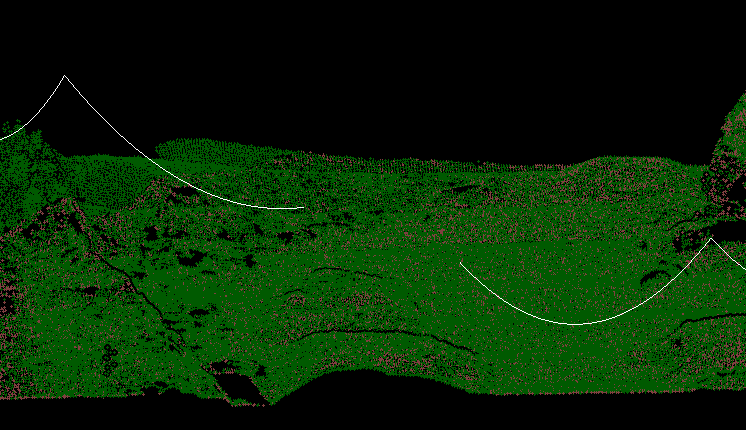
It depends on the real life situation. If there isn't a tower in between the wires, you should Merge Wires. The result would look like this:
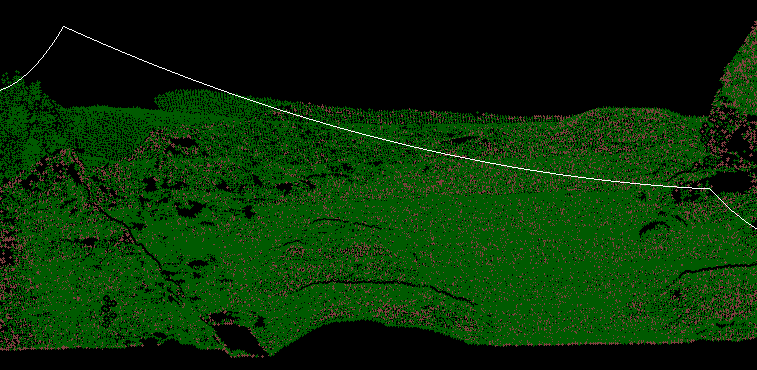
However, if there is a tower between the wires, you should Connect Wires. Then the results would look like this: