

TerraScan User Guide
Merge Wires
Not Lite
 Merge Wires tool joins two wire elements together. The tool assumes there isn't a tower between the wires. If there is a tower between the wires you should use Connect Wires tool.
For an example of the difference between Merge Wires and Connect Wires see this example.
To merge powerlines:
1.Select the Merge Wires tool.
This opens Merge Wires dialog.
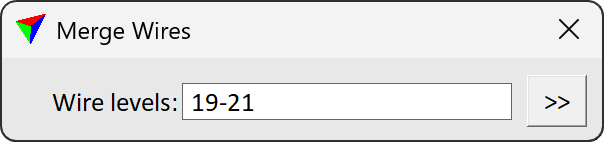
2.Define settings and click on the first wire string element that you want to merge.
3.Click on the second wire string element that you want to merge.
SETTING |
EFFECT |
|---|---|
Wire levels: |
Which CAD software levels have the wires you want to merge. |
|
Opens the Wire Levels dialog which contains a list of active levels in your CAD software. Select the levels which contain the wires you want to merge. |
