Please enable JavaScript to view this site.

TerraScan User Guide

Navigation: Tool Reference

TerraScan Toolbox

Scroll Prev Top Next More

TerraScan Toolbox

tmain

TerraScan toolbox - Full version

tmain_lite

TerraScan toolbox - Lite version

tmain_uav

TerraScan toolbox - UAV version


TerraScan Toolbox is a collection of toolbars that contain TerraScan tools. It opens automatically when TerraScan starts, if the Open Main tool box option in the Operation category in TerraScan Settings is enabled.

To open a toolbar in TerraScan, click and hold the toolbar icon in the TerraScan Toolbox.
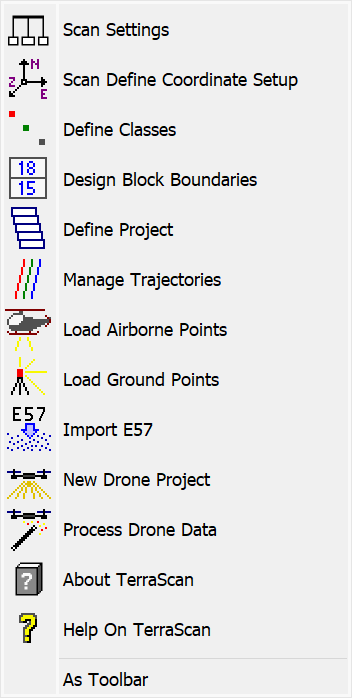
toolbar

Click and hold a toolbar icon in the toolbox to view the toolbar.

Toolbars can also be opened separately by using Open as Toolbox (Bentley) or As Toolbar (Spatix) from the toolbar, or by selecting them from Toolboxes. The Toolbox and the toolbars can also be docked to the sides of the view.
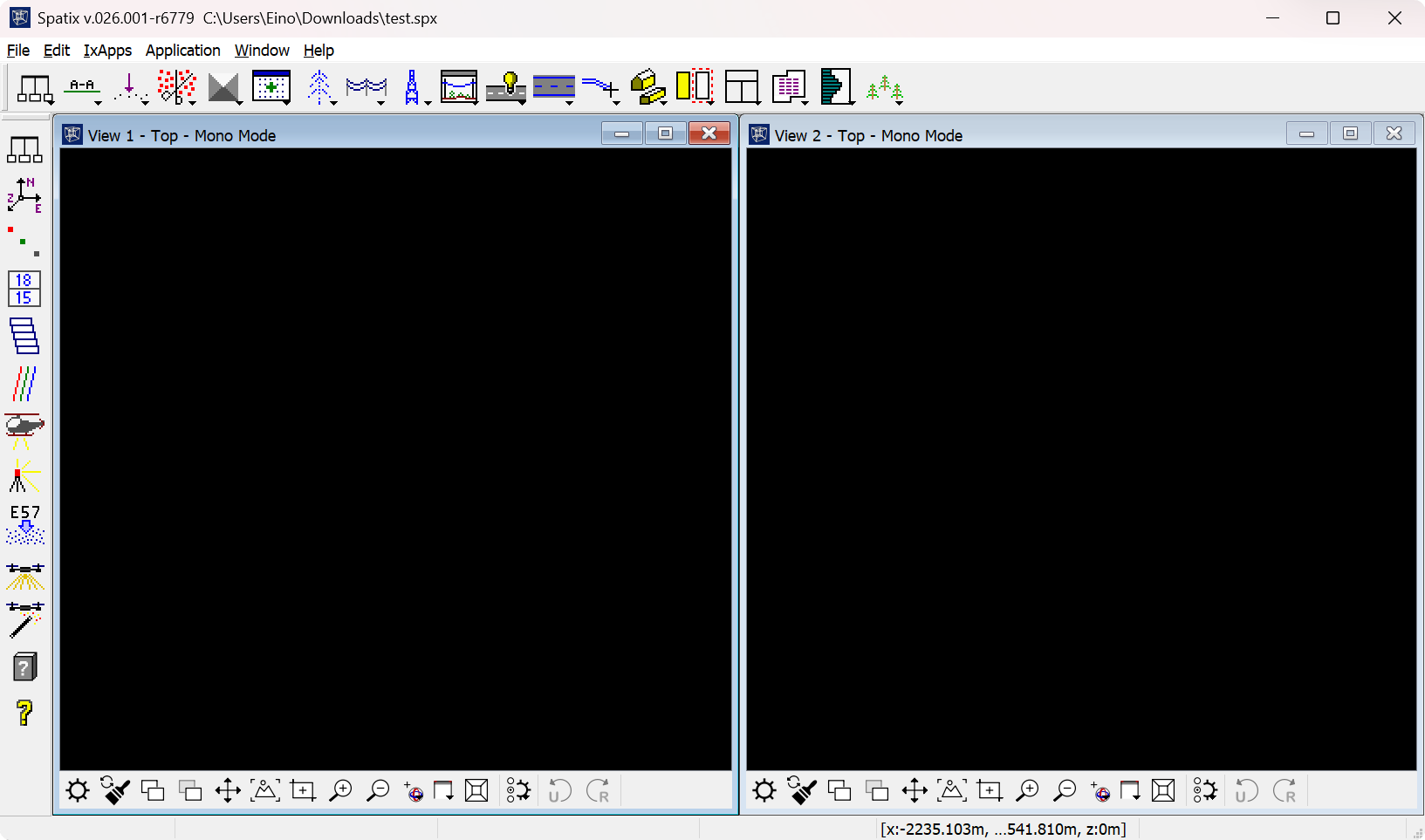
toolbar_docked

TerraScan Toolbox is docked to the top of the view and TerraScan General toolbar is docked to the left.

If the toolbox has been closed, it can be reopened from TerraScan WindowToolsToolboxes → Main Toolbox or by entering the key-in command scan app main. The toolbox can also be resized (in Bentley).

General toolbox

oScan Settings

oScan Define Coordinate Setup

oDefine Classes

oDesign Block Boundaries

oDefine Project

oManage Trajectories

oLoad Airborne Points

oLoad Ground Points

oImport E57

oNew Drone Project

oProcess Drone Data

oAbout TerraScan

oHelp on TerraScan

View Laser toolbox

oDraw Vertical Section

oDraw Horizontal Section

oDraw Plane Section

oMove Section

oRotate Section

oCut Section

oTravel Path

oTravel View

oSynchronize Views

oShow Street View

oMeasure Point Density

oMeasure Point Noise

oMeasure Coverage

oInspect Point

oUpdate Distance Coloring

Draw toolbox

oMouse Point Adjustment

oFit Linear Element

oDrape Linear Element

oFind Breakline Along Element

oFind Curb Along Element

oCut Linear Element

oCheck Footprint Polygons

oSet Polygon Elevation

oMark Polygons by Centroid

oMark Polygons by Points

oCreate Void Polygons

oPlace Collection Shape

oFind Circles

oFind Pipes

oVectorize Wall Polygons

oVectorize Tunnel Sections

oCheck Tunnel Sections

oInspect Elements

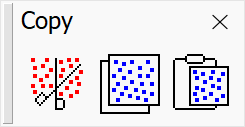
Copy toolbox

oCut points

oCopy points

oPaste points

Model toolbox

oCreate Editable Model

oAssign Point Class

oClassify Using Brush

oClassify Fence

oClassify Above Line

oClassify Below Line

oClassify Close To Line

oAdd Synthetic Point

oClassify Noise

oRemove Vegetation

oFix elevation

oRebuild Editable Model

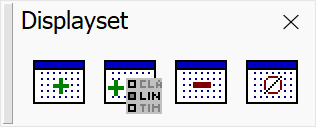
Displayset toolbox

oAdd Points To Displayset

oAdd To Displayset By Criteria

oRemove Points From Displayset

oClear Displayset

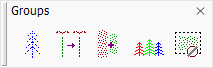
Groups toolbox

oCreate Point Group

oMerge Point Groups

oAdd Points To Group

oSplit Tree Group

oClear Group Fence

Powerlines

oVectorize Wires toolbox

oVectorize Towers toolbox

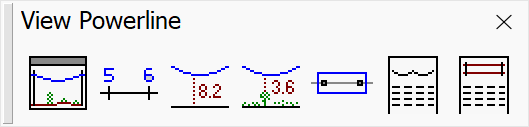
oView Powerline toolbox

Roads and Railroads

oRoad toolbox

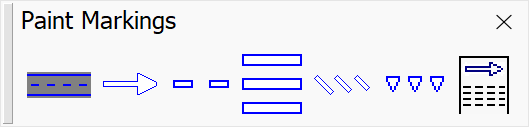
oPaint markings toolbox

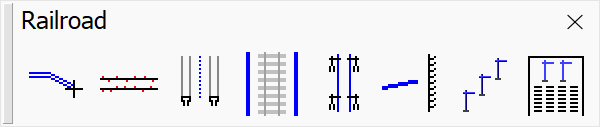
oRailroad toolbox

3D Building Models

oBuildings toolbox

oBuilding Patches toolbox

oBuilding Edges toolbox

oWalls toolbox

Waveform Processing

oWaveform toolbox

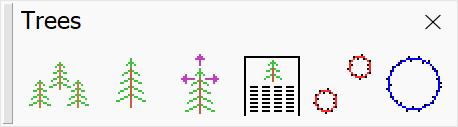
Trees toolbox

oCreate Tree Cells

oPlace Tree Cell

oModify Tree Cells

oOutput Tree Cells

oMeasure Trunk Diameters

oPlace Trunk Measurement

TerraScan User Guide   5.5.2026   © 2026 Terrasolid Ltd