

TerraScan User Guide
Export raster
Not Lite
Export raster action performs about the same process as the Export raster image command for loaded points and the Export raster images command for projects. The major differences are:
•There are no selected shapes required that define the area for each lattice model. The area is defined by the extend of loaded data or by the boundaries of the block binary files.
•Instead of defining a model buffer area, set a good distance for loading neighbour points when the macro is executed.
•The storage location and name of the output file(s) are defined in the macro action settings. If the macro runs on a project with several blocks, the file name should include a variable, such as the block name.
•Text elements drawn in the CAD file can not be used in the macro action for output naming.
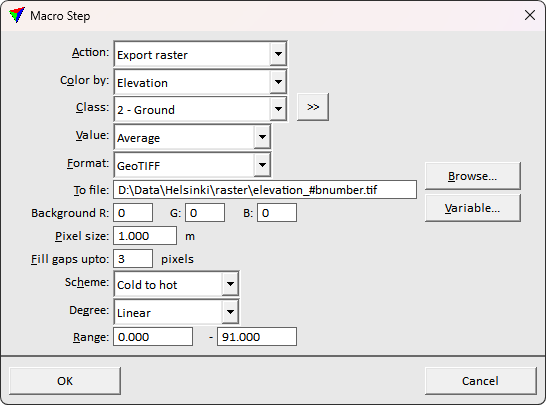
Return value: 1 if the process was successful, 0 if the process failed due to the lack of points in the source class, or -2 if the output files could not be written into the given directory.