TerraScan User Guide
Copy to clipboard
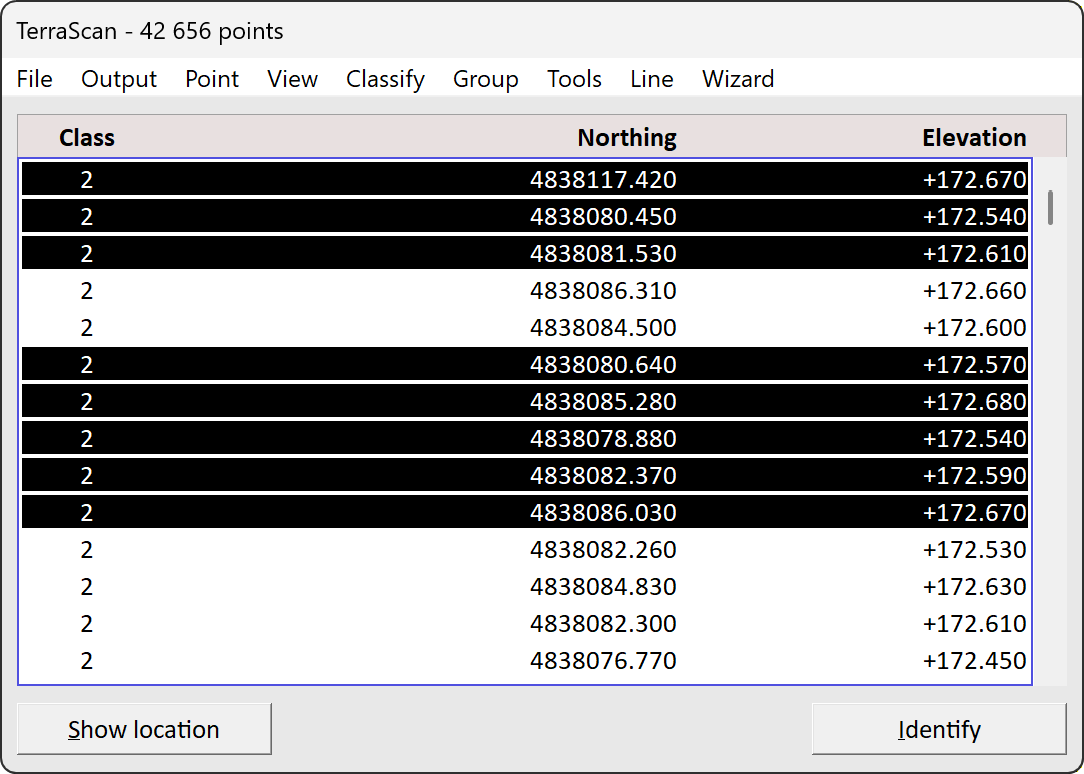
Copy to clipboard command copies attribute values of selected points. Attributes selected in Fields are included. For example, in the view below attributes Class, Northing and Elevation would be included for selected points. The selected points have a black background color.
To copy points to clipboard:
1.Select points using find, select by class, identify or manually from the Main Window.
2.Click Copy to clipboard.
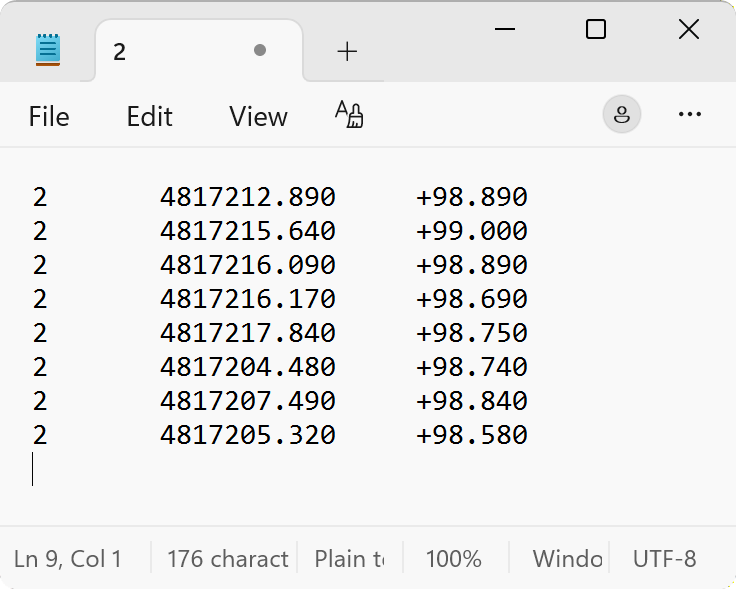
Now the columns in the Main Window view are copied to your clipboard. The values are tab separated and rows are line break separated. You can now paste the table to a spreadsheet or a text editor. In notepad the table would look like this.