

TerraSplat User Guide
Adjust Classification Hue
 Adjust Classification Hue tool changes splat coloring. The tool allows you to color splats with their original splat color and classification color defined in .PTC file loaded in TerraScan at the same time. The tool can also adjust original splat coloring with Transparency and Saturation Operation Mode.
To adjust classification hue:
1.Click Adjust Classification Hue tool. Select Operation Mode dialog opens.
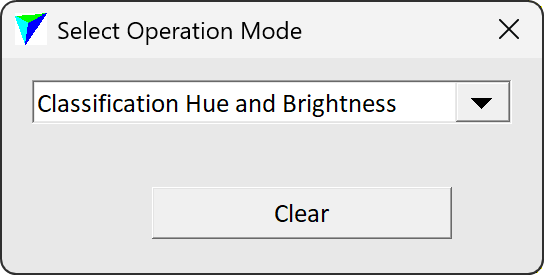
2.Choose an Operation Mode from the drop down menu.
3.Click on a view with splats. Move your cursor in horizontal and vertical directions to adjust hues.
4.Click on the view again to confirm the hue selection. This applies the selected hues to the display.