

TerraScan User Guide
Histogram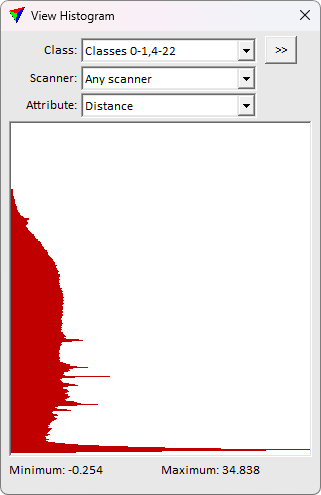
Histogram command opens a View Histogram window. The window shows a histogram and options for it.
This tool is useful for quality assessment of the data, and for evaluating suitable attribute thresholds for different classification and processing routines.
field name |
description |
|---|---|
Class |
Point class(es) for which the histogram is calculated and displayed. |
Scanner |
Opens the Select classes dialog which contains the list of active classes in TerraScan. You can select multiple source classes from the list that are then used in the Class field. |
Attribute |
The attribute values displayed in the histogram. |