
TerraPhoto User Guide
Top views
TerraPhoto displays raster images only in top views. A top view is an orthonormal view where usually, the north axis points upward on the screen. However, a top view can also be rotated around its z-axis.
Bentley CAD
To rotate a view to top rotation:
1. Select the Rotate View tool from the Bentley CAD View toolbox.
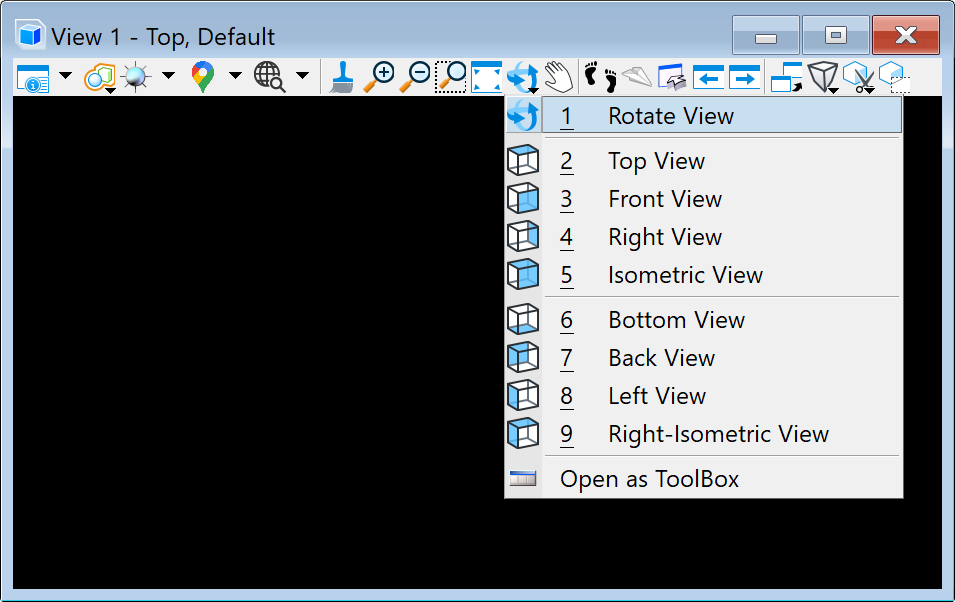
The Rotate view dialog opens.
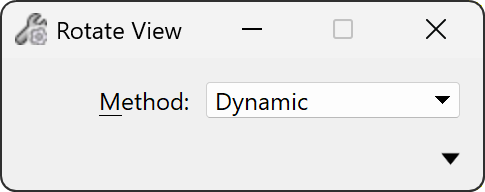
2. Select Top in the Method list.
3. Place a data click inside the view.
This changes the view to a top view where north direction points upward on the screen.
You can use the same tool to rotate the view around its z-axis. The method described below is especially handy when you have a corridor-like project area which you would like to run horizontally across the screen.
To rotate a view around the z-axis:
1. Select the Rotate View tool from the Bentley CAD View toolbox.
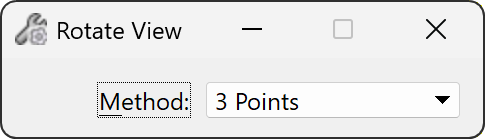
The Rotate view dialog opens.
2. Select 3 Points in the Method list.
3. Place a data click inside the view to define the start point for a base line.
4. Place a data click inside the view to define the end point for a base line.
The base line defines the horizontal direction of the rotated top view.
5. Place a data click inside the view to define the upward direction on the screen.
This rotates the view so that the given base line runs from left to right on the screen.
Spatix
To rotate a view to top rotation:
1. Select Top from the list of standard rotations in the View toolbox.
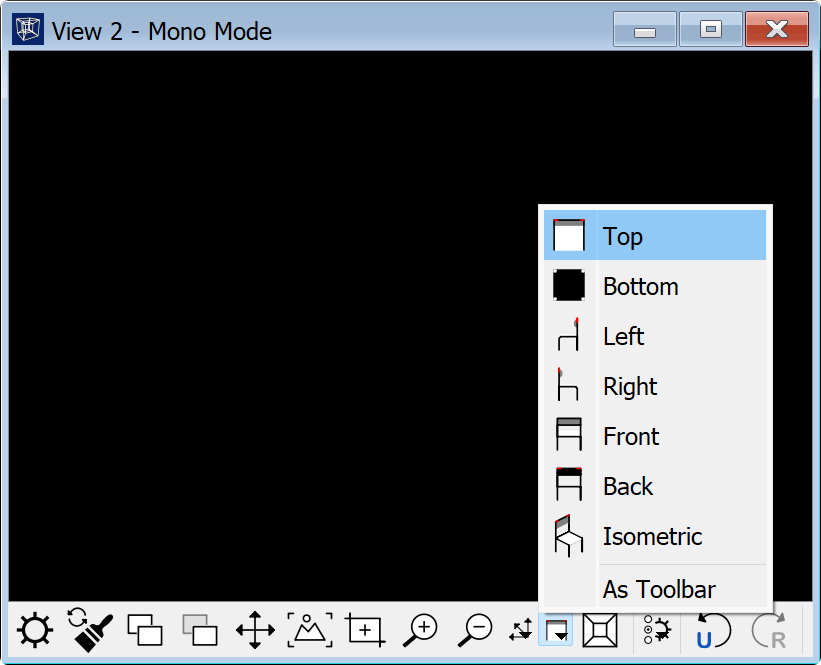
2. Place a data click inside the view.
This changes the view to a top view where north direction points upward on the screen.
To rotate a view around the z-axis:
1. Select the Rotate tool from the View toolbox.
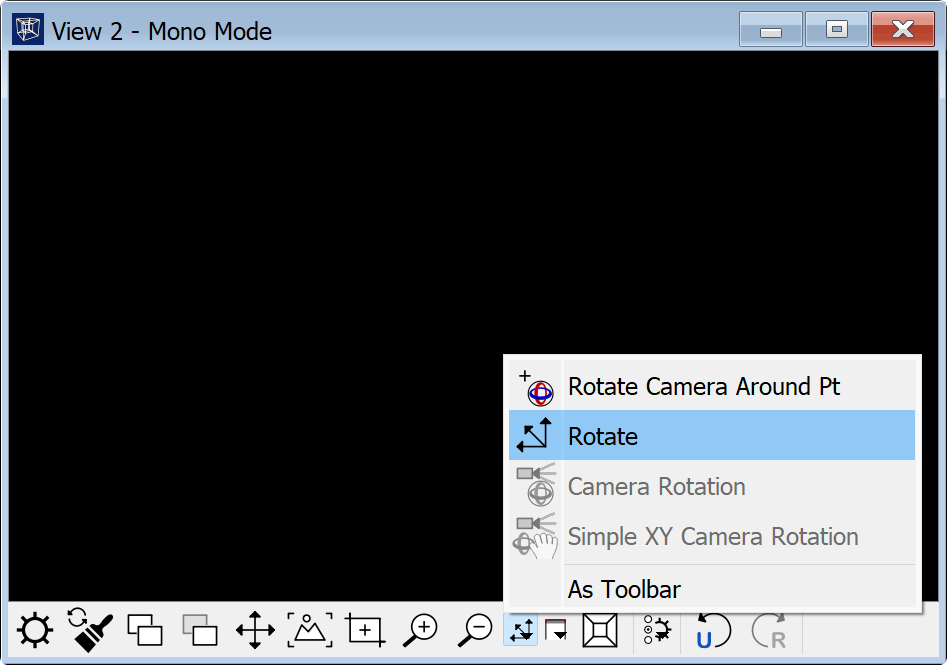
This opens the Rotate camera dialog:
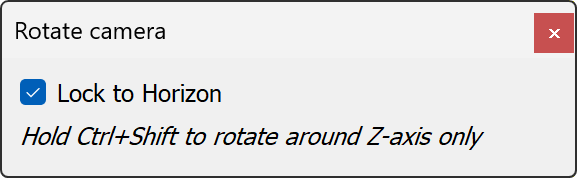
2. Check Lock to horizon option.
3. Move the mouse pointer inside the view you want to rotate.
4. Press the Shift + Ctrl keys and keep the data button pressed.
Move the mouse pointer to the left in order to rotate the view to the left around the z-axis. Move the mouse pointer to the right in order to rotate the view to the right around the z-axis.