
TerraPhoto User Guide
Import E57 Images
Not UAV
Import E57 images command reads image information from .E57 point cloud files. It creates a TerraPhoto mission, an image list and a TerraPhoto camera file.
To import E57 images:
1.Select Import E57 images -command from the Mission pulldown menu.
The Import E57 Images dialog opens:
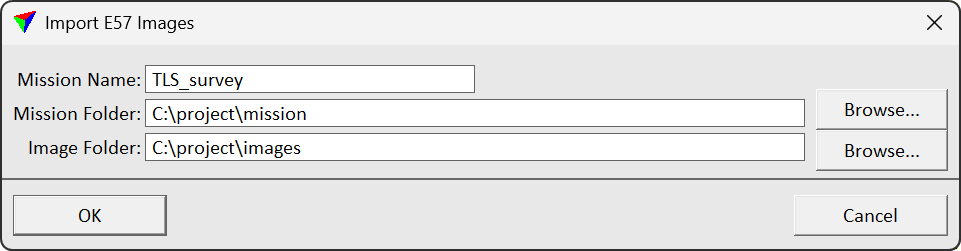
2.Define settings and click OK.
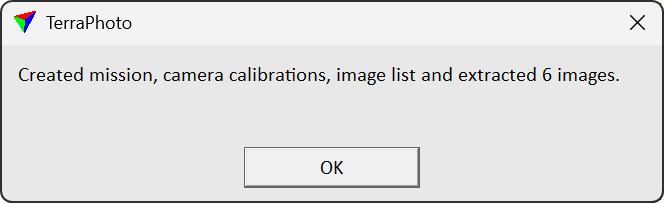
This creates a mission file, an image list file, a camera calibration file and extracts images to the specified directories.
SETTING |
EFFECT |
|---|---|
Mission name |
The mission name for the project. |
Mission Folder |
Directory where a mission file will be created. |
Image Folder |
Directory where extracted images will be saved. |