

Terra License Server/Manager User Guide
Set visible applications
By default, the Terra License Manager window displays all licensed Terrasolid applications. Thus, the list may contain a lot of applications that you never use. It may be more convenient to hide unused applications and show only those for which you have licenses.
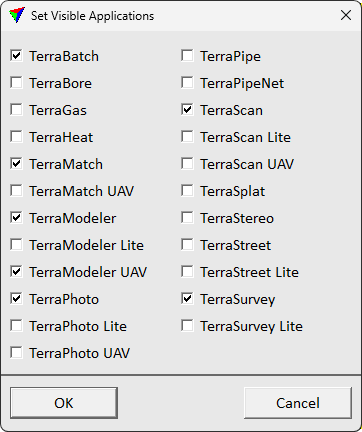
To show relevant applications:
1. Select Set visible applications from View pulldown menu.
This opens Set Visible Applications dialog.
2. Select applications you want visible. Then click OK.